Free Cutlist Optimizer & Woodworking Calculator
Build cleaner cut plans in minutes. Whether you are building custom furniture or using our speaker box calculator to design audio enclosures, optimize your plywood, MDF, and panel layouts to reduce waste and get a practical workshop workflow.
Launch Free Optimizer
Why Use This Tool?
- Fast strip-aware optimization for workshop use
- Metric and imperial length support
- PDF export for printing on the shop floor
Powerful Features for Woodworkers & DIY Audio
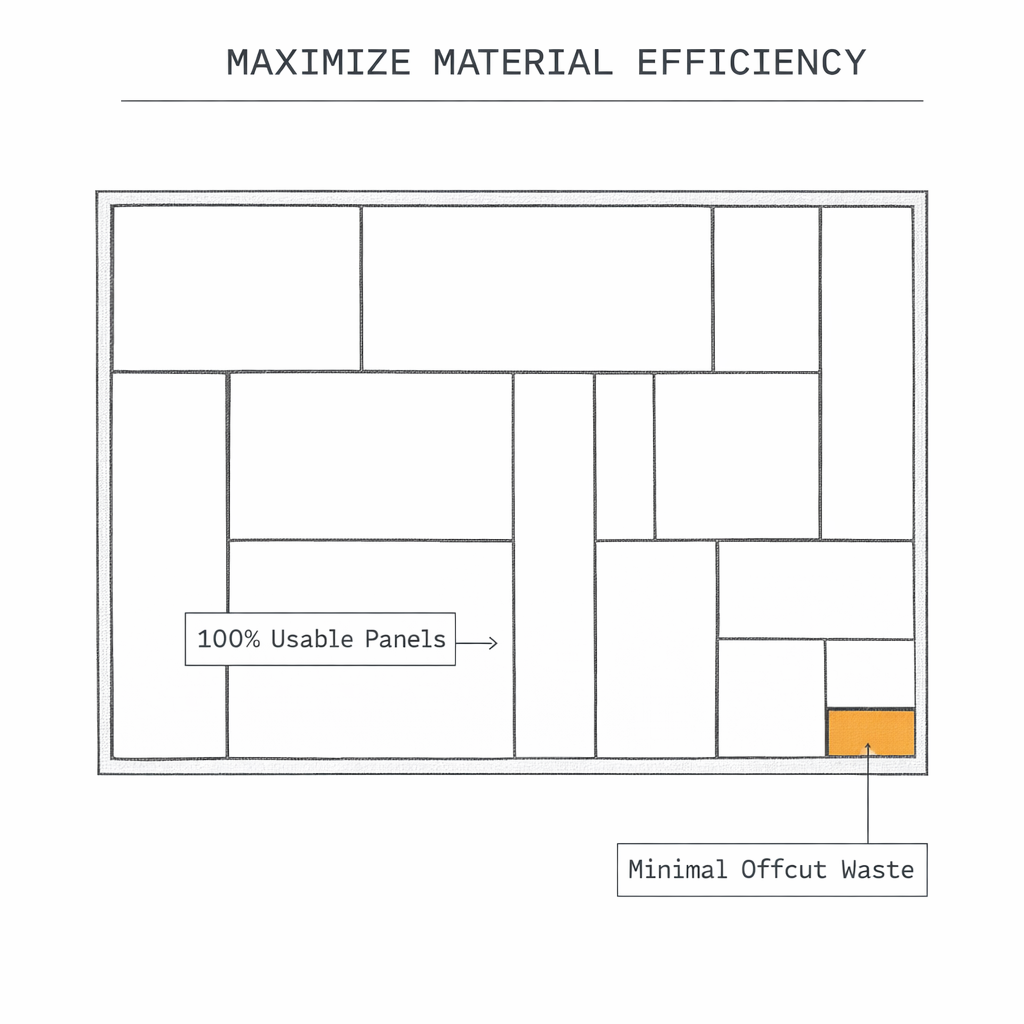
Minimize Wasted Area
Plywood, MDF, and other sheet goods are expensive. Our cut list generator uses an advanced bin-packing algorithm to pack your panels as efficiently as possible on standard sheet sizes, drastically reducing offcuts and saving you money on material costs.
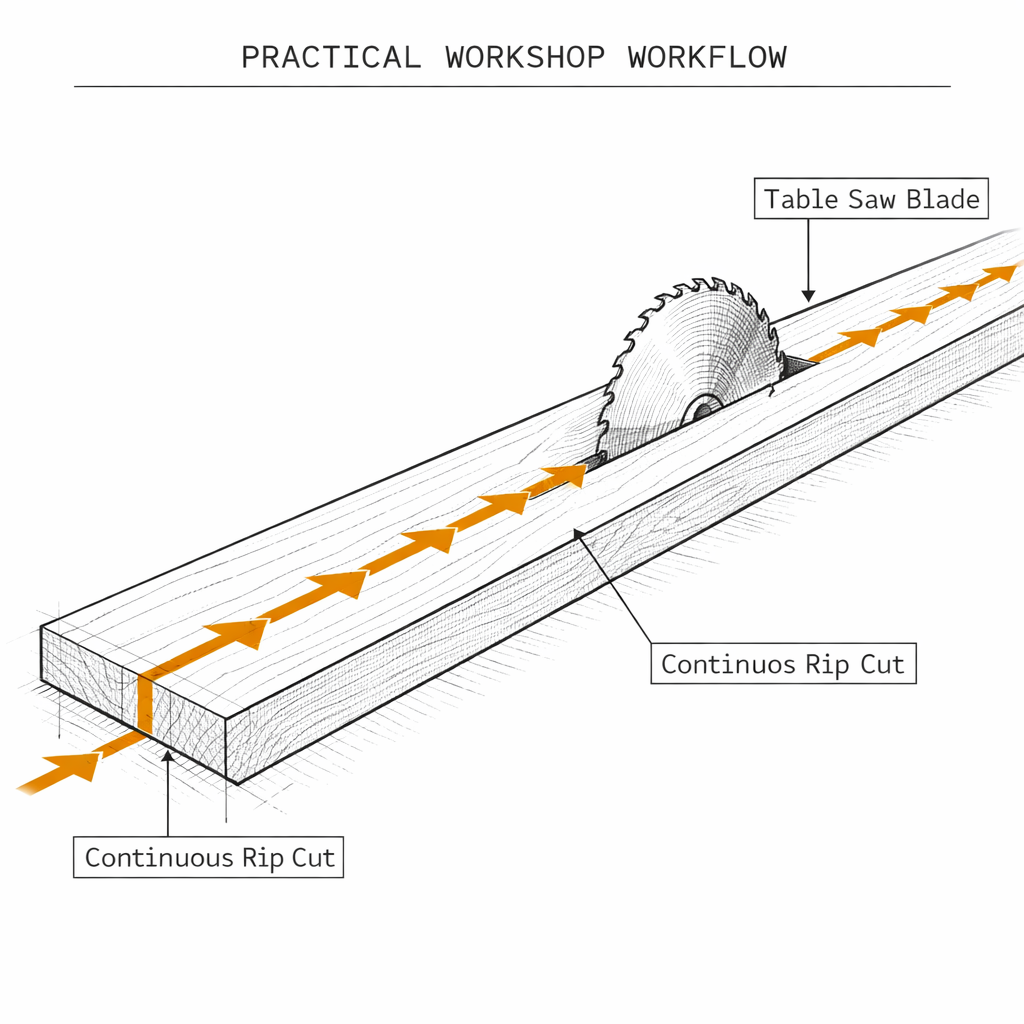
Smart Table Saw Workflow
Unlike basic calculators that just draw overlapping boxes, our tool generates a practical workshop workflow. It groups your cuts into continuous 'Rip cuts' (lengthwise) and 'Cross cuts', so you don't have to constantly adjust your table saw fence.
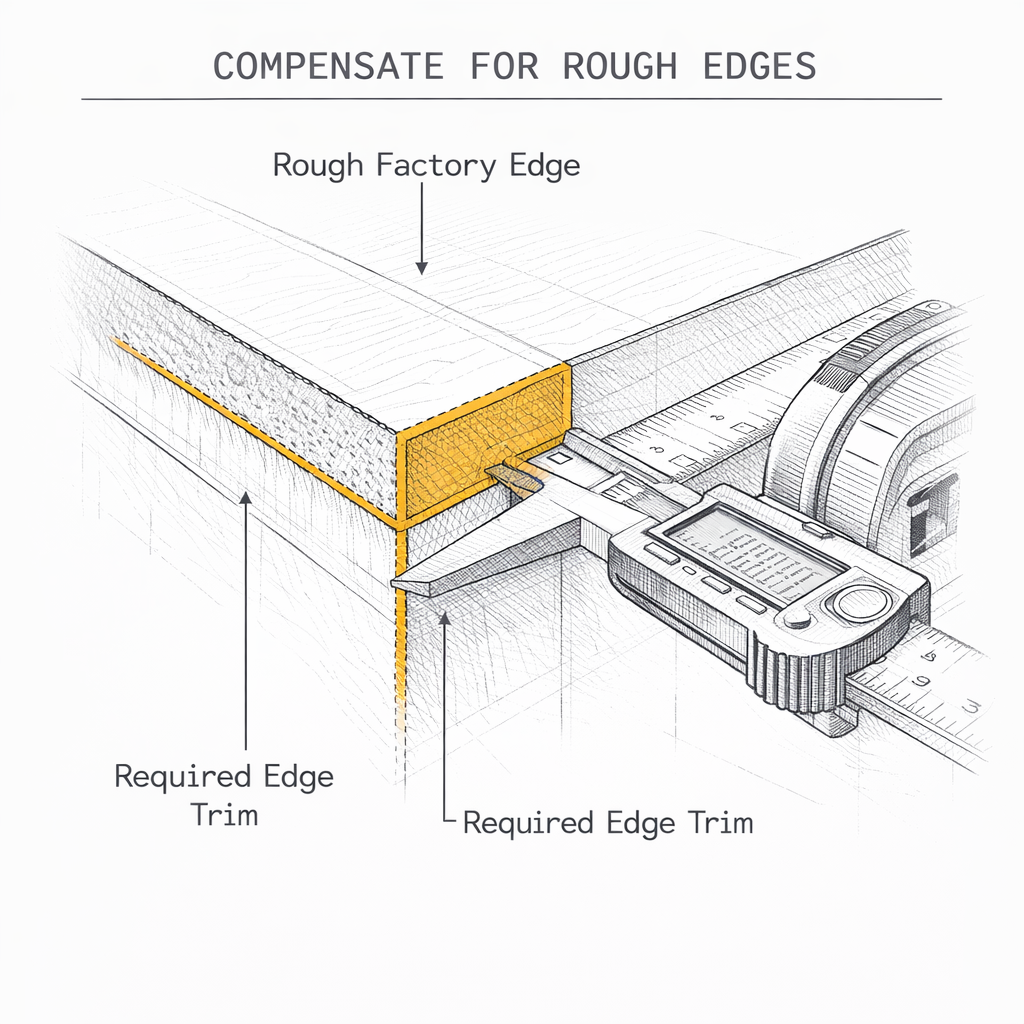
Saw Kerf & Edge Trim Support
Woodworking requires precision. Easily tune the saw kerf (the thickness of your blade) and minimum edge trim to ensure your subwoofer enclosure design or furniture panels are cut to the exact millimeter, compensating for the material lost to the saw dust.
How to generate your cut sheet
Get your plywood cutting diagram in three simple steps. No account required.
Add your panels
Input the length, width, and quantity of the pieces you need. If you used our speaker box design software, you can click one button to send your exact 3D panel dimensions directly into this tool.
Define your stock sheets
Choose from standard metric and imperial panel sizes (like 4x8 ft plywood or 2440x1220 mm MDF) or enter the dimensions of the scrap wood you have laying around the workshop.
Optimize and Export
Click calculate to let our bin-packing algorithm find the best layout. Review your table saw workflow and export a clean PDF to take to the shop floor.
Perfect for any woodworking project
Frequently Asked Questions
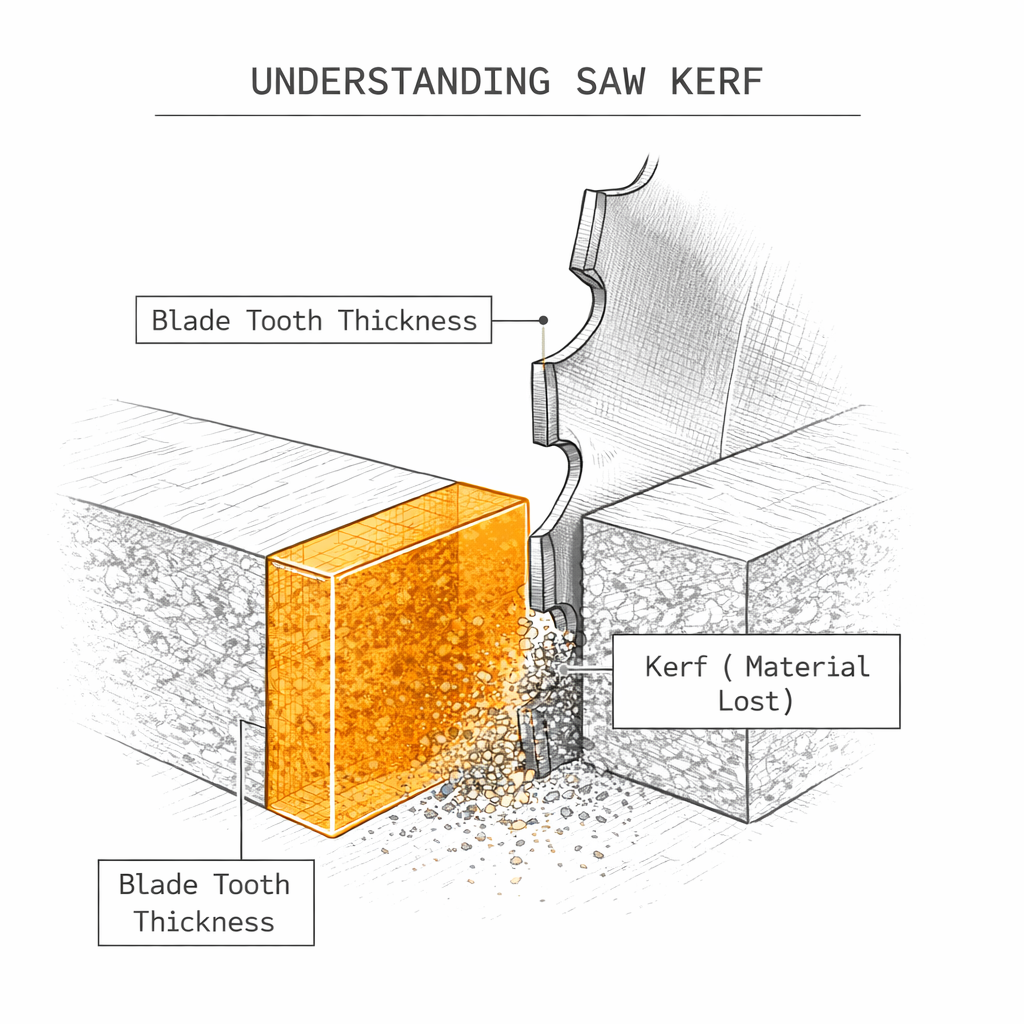
Saw kerf refers to the thickness of your table saw or circular saw blade, which dictates how much material is turned into sawdust during a cut. A standard full-kerf blade is typically 1/8 inch (about 3.175 mm) thick, while thin-kerf blades are around 3/32 inch.
If a cutlist optimizer does not account for saw kerf, making multiple cuts on a single sheet of plywood will result in cumulative errors, making your final panels too small. Our calculator automatically factors in the exact kerf width you specify to guarantee perfect dimensions.